The wardrobe grows with you
From five garments and one outfit you get personalised proposals; with eight garments and two outfits the wardrobe analysis unlocks.
Digitise your garments and combine them on the silhouette. The more you add, the more the app can do with you: better proposals, an analysis of your wardrobe and a diary of what you wear.
Your clothes, outfits and diary start out visible only to you.
Hi, Alex
Start with one garment
Two sides. Trikapp does the rest.
1 / 5 · Add garment
Items
12
Outfits
3
Summer
6 items
Work
6 items
Starting with one garment is deliberately easy, but the goal is the complete wardrobe: every garment you digitise widens what the app can do with you.
Photograph each garment front and back. The background is removed, its details recognised, and you review before saving.
Build outfits on the silhouette, from the inner layer to the accessory, and save the variations that work.
Note what you wore each day in a few taps. The diary remembers for you what you truly repeat.
Publish how an outfit looks on you and choose exactly who can see it. It never happens by default.
The app checks the front and back photos, removes the background and recognises its details. You can review and change anything before saving.
Linen shirt
From five garments and one outfit you get personalised proposals; with eight garments and two outfits the wardrobe analysis unlocks.
Category, colour, material, season, event, size and print are ready to filter, and you can save your usual filters as presets.
You can correct any detail before saving, and if the garment resembles one you already own, it warns you.
Use an image as a reference and locate the most similar garments inside your own wardrobe.
New look
✓Tap a zone to add items
Coat
Top
Bottom
Footwear
Great combination
The colours and layers work well for this moment.
Outfit diary
Log what you wore in a few taps and learn what you truly repeat.
Great combination
The colours and layers work well for this moment.
Build the outfit on the silhouette — up to nine zones, from the inner layer to the accessory — try alternatives and save it without going through forms.
Every combination starts with what you already have at home.
Swap one piece and compare without rebuilding the outfit. The more you save, the better the app understands how you combine.
Creating and saving an outfit never publishes it.
The button at the centre of the app opens an idea: describe it, photograph it or pin it down with a few details. From there your wardrobe, your outfits and the community organise themselves around that idea until you resolve it or drop it.
Write what you are after, start from a photo or pick a few quick details. All three routes lead to the same idea.
While it is active, your wardrobe shows what fits and the community focuses on related posts.
One of your garments, an outfit or a post can be the starting point for the next idea.
When a piece is missing it is proposed from your own wardrobe, and you can swap it as many times as you like.
The entry point sits at the centre of the navigation bar, between your two environments.
Ideas
Something light and fresh for a summer dinner…
Complete the outfit
Only with garments from your wardrobe, and every proposal explains why it fits.
A post shows how the outfit looks when worn and keeps its garments connected. That is why the more people digitise their wardrobe, the more useful what you see becomes: real clothes someone owns and actually combines.
See it worn and explore every linked garment.
Discover, For you and Following: explore, get affinity or stay with the people you already follow.
The social step comes last and never happens by default.
Add a garment from a post to your private wishlist and check whether you already own something similar.
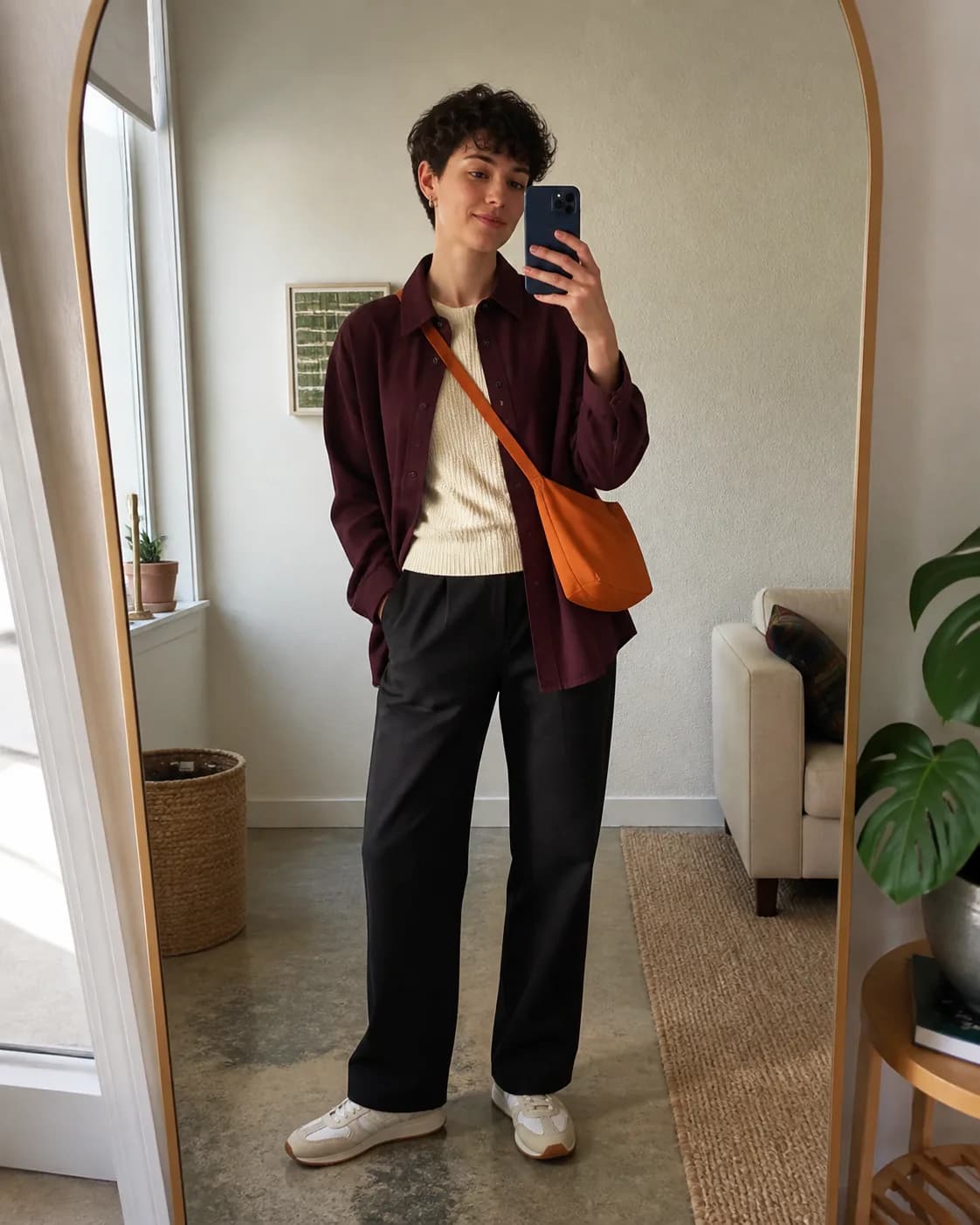
@alex.v
4 linked garments
Light layers for a morning with no plans.
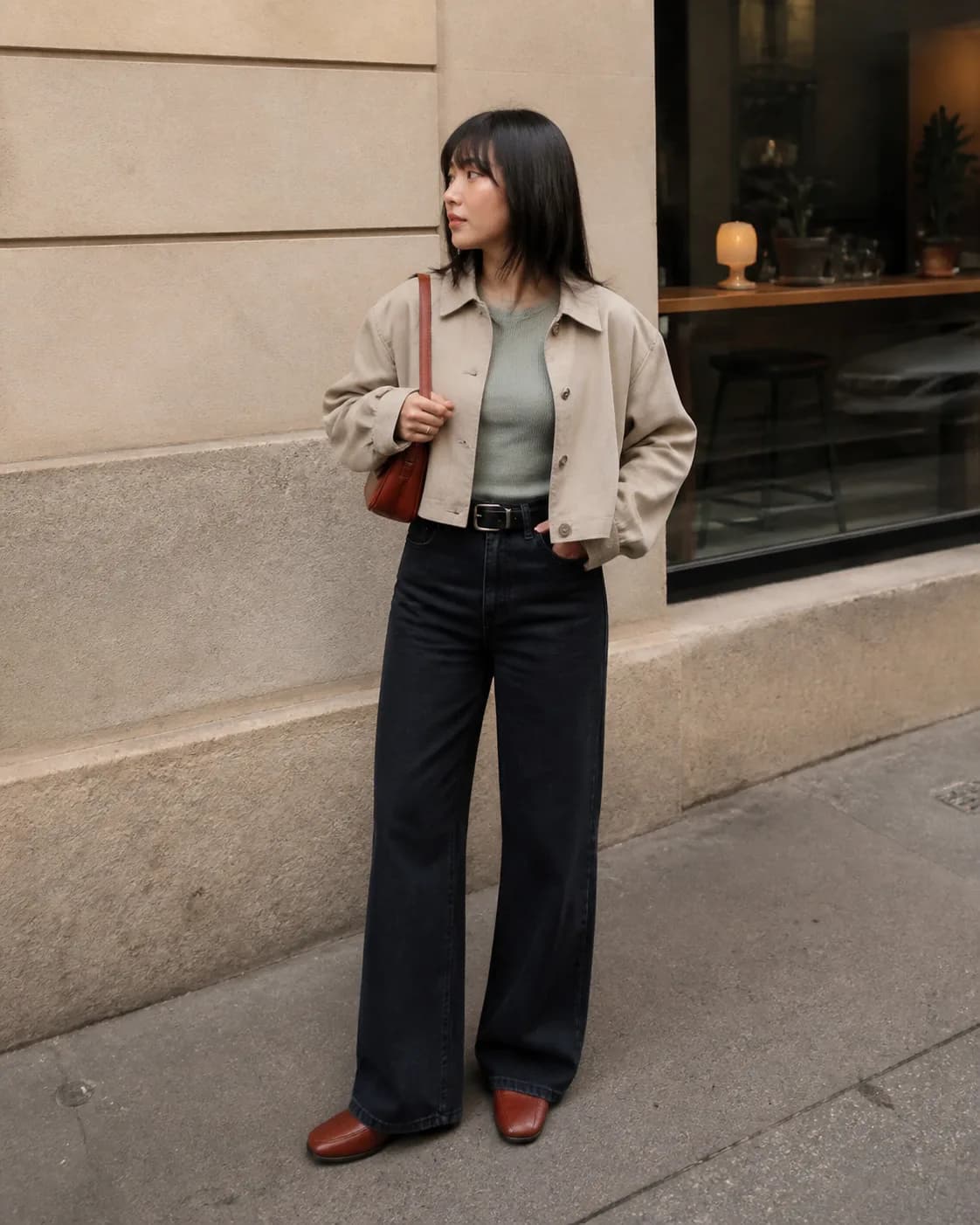
@marta.looks
4 linked garments
Comfortable neutrals and the bag that changes everything.
Digitising clothes, building outfits and keeping a diary all work without exposing anything to the community.
Garments, wardrobes and outfits are always private. Only posts can choose their audience.
Invite mutual-following connections to view wardrobes you already have. They must accept, and you can revoke access at any time. Nobody edits your garments: they only view and receive private proposals.
Post audience
Only me
Your post stays as a private draft.
Followers
Only those who follow you can see it.
Everyone
Your post appears in the community.
The same mobile interface, with sample data and no sign-up. Move at your pace or let Trikapp show you each journey.
My wardrobe
Start with one garment
0 garments
From two photos to a usable garment
The wardrobe offers one clear action: add your first garment.
Tap the phone controls or use the arrows.
Trikapp is preparing for iOS and Android. Digitise your first garment and keep completing the wardrobe: each one widens what the app can do with you.
Available soon on
 Coming soon
Every garment counts. Every outfit, more.